What Is an 8K IPTV M3U Playlist?
An 8K IPTV M3U playlist is a plain text file — usually with the extension .m3u or .m3u8 — that lists every live channel available to your subscription, along with the stream address, channel name, and logo for each one. When you load this file (or its URL) into a compatible player app, the app reads the list and builds your channel guide automatically, giving you instant access to every live channel in the playlist, including those broadcasting in 8K where supported.
The “M3U” format itself has been around for decades, originally used for audio playlists before being adapted for streaming video. Its simplicity is exactly why it remains the most widely supported playlist format across IPTV player apps today — nearly every app, on every platform, can read an M3U link.

How the M3U Format Actually Works
Inside an M3U file, each channel is represented by a short block of text: a line starting with #EXTINF containing the channel’s name, logo URL, and category, followed by a second line with the actual stream URL. Your player app parses this structure top to bottom, building the visual channel list you scroll through on screen. For an 8K IPTV M3U playlist specifically, the stream URLs point to servers delivering content at up to 8K resolution where the source channel supports it, alongside standard HD and 4K streams for everything else.
You never need to open or edit the M3U file yourself. Your provider generates and hosts it, and all you need is the URL — a single link that your player app fetches every time it refreshes the channel list, which is also how updates and new channels get pushed to your device automatically.
M3U vs Xtream Codes — Which Should You Use?
Most 8K IPTV providers, including Strong IPTV 8K, offer both connection formats, and neither is strictly superior — they simply suit different needs.
| Format | Setup | EPG Support | Best For |
|---|---|---|---|
| M3U / M3U8 | Single URL | Separate XMLTV link (optional) | Maximum app compatibility |
| Xtream Codes | Server + username + password | Built-in, automatic | Category menus, richer EPG |
If your app supports both, Xtream Codes tends to deliver a slightly more organized viewing experience with categorized menus and built-in program guide data. M3U remains the safer choice if you’re using a lightweight or less common player app, since virtually every IPTV app on every platform can read a standard M3U link without extra configuration.
How to Load Your 8K IPTV M3U Playlist
- Get your M3U link — message us on WhatsApp and we’ll send your personal 8K IPTV M3U URL within minutes of activation
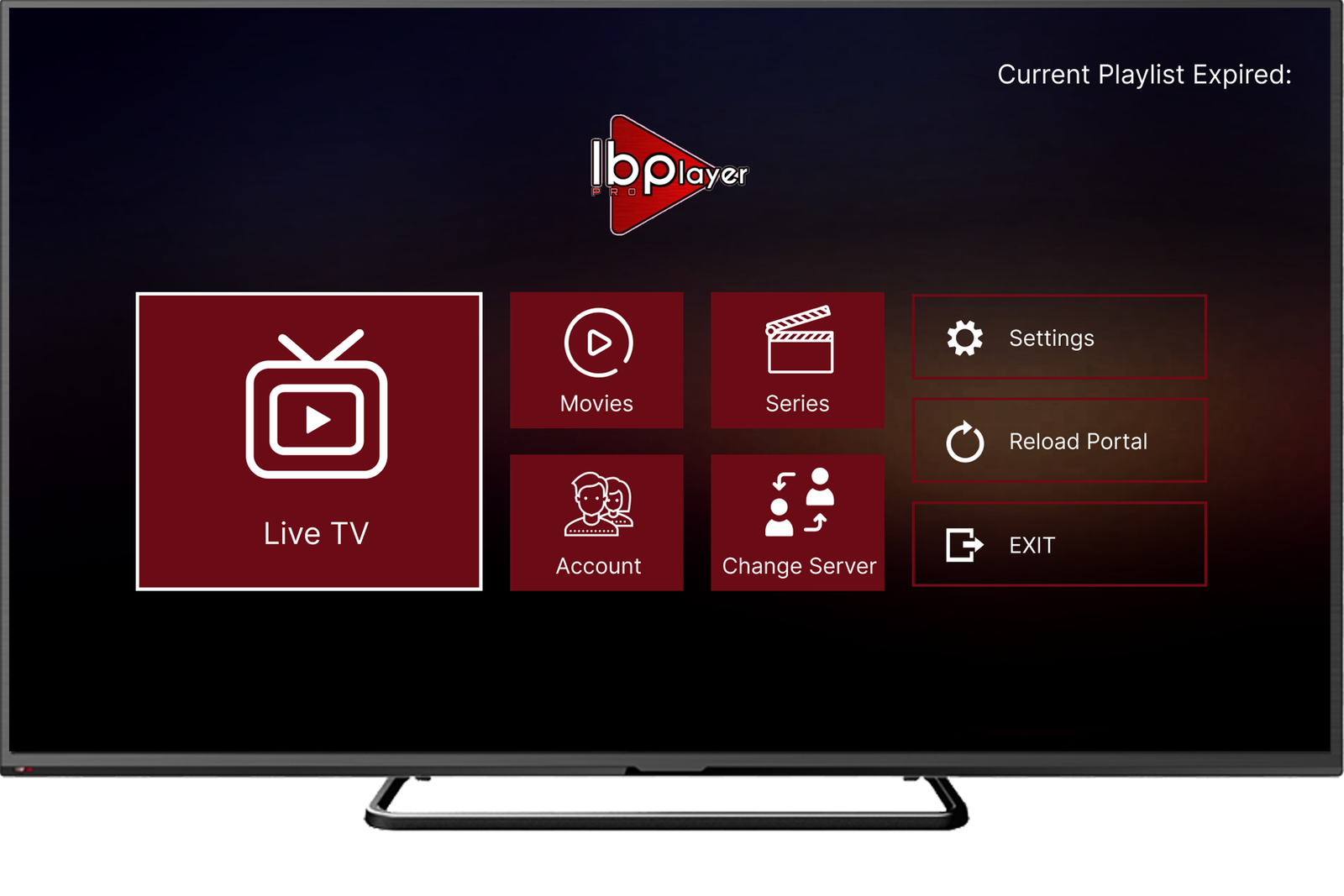
- Open your IPTV player app — TiviMate, IBO Player Pro, Smart IPTV, or IPTV Smarters all support M3U
- Choose “Add Playlist” or “M3U URL” in the app’s settings menu
- Paste the link exactly as sent — copying directly avoids typos that cause loading errors
- Save and wait a few seconds — your full 56,500+ channel list loads automatically
Best Apps for 8K IPTV M3U Playlists
| Device | Recommended App | Notes |
|---|---|---|
| Amazon Fire Stick | TiviMate | Best M3U interface for Fire TV devices |
| Samsung / LG Smart TV | IBO Player Pro / Smart IPTV | Native app, no extra hardware needed |
| Android TV Box | TiviMate / IPTV Smarters | Wide M3U compatibility |
| iPhone / iPad | IPTV Smarters Pro | Clean M3U import on iOS |
| Windows / Mac | VLC Media Player | Open the M3U link directly — no app install needed |
| MAG Box | Built-in portal / M3U loader | Enter URL directly in device settings |
8K IPTV M3U Pricing
Every plan below unlocks the same full 8K IPTV M3U playlist — see our complete pricing plans for feature details on each tier.
Troubleshooting a Playlist That Won’t Load
If your 8K IPTV M3U playlist loads slowly or shows a blank channel list, check that your internet connection is stable — a wired Ethernet connection is recommended for 8K and 4K content specifically. If a single channel fails to load while the rest work fine, it’s usually a temporary source issue that resolves within minutes; try an alternate channel in the same category in the meantime.
Why Choose Strong IPTV 8K for Your M3U Playlist
Strong IPTV 8K delivers a fully maintained 8K IPTV M3U playlist with 56,500+ live channels, 178,000+ movies, and 46,000+ series, backed by load-balanced servers built to hold up during peak viewing hours and major live sporting events. Visit our homepage to see the full channel and quality breakdown. Every plan includes both M3U and Xtream Codes formats, fast activation, and 24/7 WhatsApp support if you ever need help with setup — or reach out through our Contact Us page anytime.
Get Your 8K IPTV M3U Playlist Today
56,500+ channels. 178,000+ movies. 46,000+ series. Full 8K, 4K & HD quality — activated in minutes.
Get My 8K IPTV M3U Link